Outdated SDSs in the archive? Update them with Search & Load
It's likely that your records contain Safety Data Sheets that are outdated or based on revisions from a few years ago. The problem is identifying them and keeping track of each supplier until they send the updated version.
A hazard classification changes, a new regulation takes effect, a substance is added to a restricted substances list, or a manufacturer replaces a component. The safety data sheet on file remains the old one, and the chemical risk assessment is based on unreliable information.
Identify outdated SDSs and update them without having to chase down suppliers
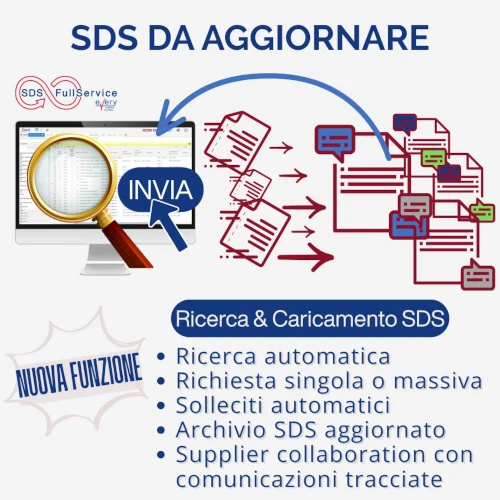
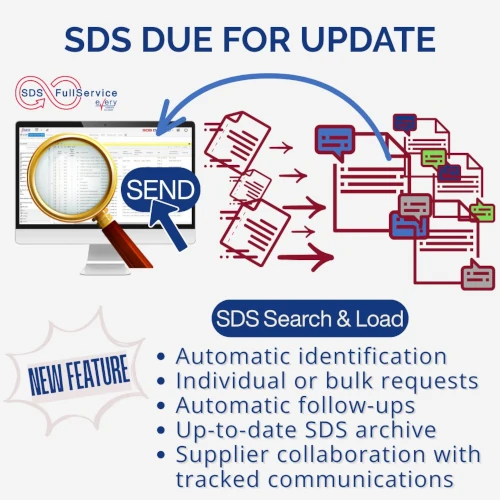
With SDS-FullService’s “Search & Load” feature, you can stop searching for SDSs manually and chasing suppliers by email:
- The system identifies the SDSs that exceed the age threshold you set
- Filter the archive by the relevant criteria (a specific supplier, the presence of a substance that has just been added to a restriction list, etc.) and send update requests with the suppliers involved
- Requests are sent out in an organized manner, and follow-ups are handled automatically, so you don't have to keep track of who hasn't responded yet
- Status and responses are tracked and can be viewed at any time
- When the SDS arrives, is added directly to your archive and follows the approval process established by your workflow.
And you decide how to work: manage requests independently through the platform, or delegate the sourcing to our team, which will contact suppliers on your behalf. In either case, you’ll always know what you requested, from whom, and when.
How do you keep track of SDSs that become obsolete these days? Do you have any automated processes that help you identify and update them?